
Next.js 16.2 Gave My AI Eyes—After $40 of Debugging Blind
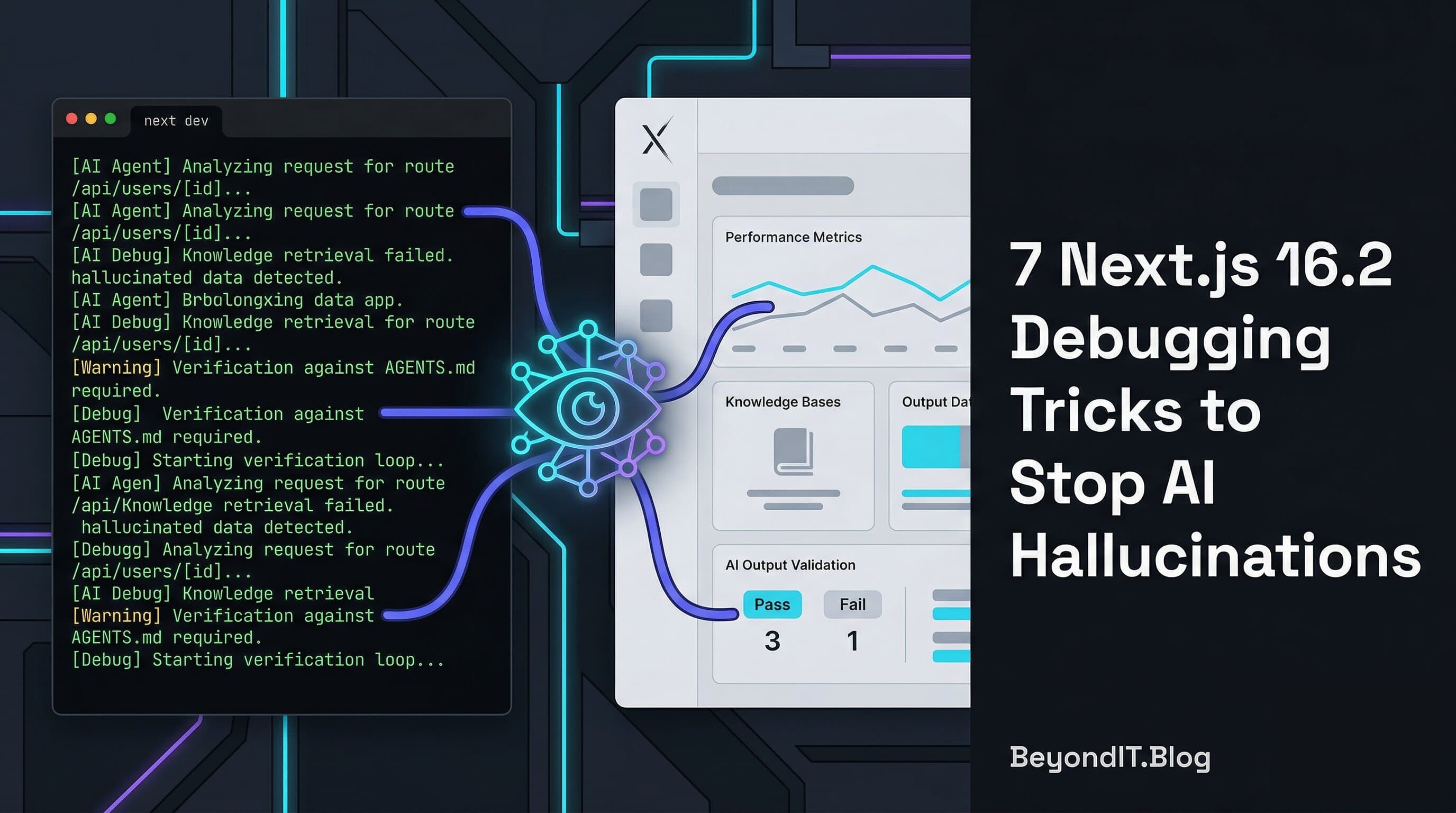
In this article
- What Actually Changed in Next.js 16.2
- Trick 1: Seed Your Agent with AGENTS.md
- Trick 2: Pipe Browser Errors Into the Terminal
- Trick 3: Stop Two Dev Servers Fighting Each Other
- Trick 4: Give Your Agent Terminal Eyes with agent-browser
- Trick 5: Use the Tree to Stop Guessing About CSS
- Trick 6: A PPR Bug That Took 40 Minutes (Then 5)
- Trick 7: Hydration Diff as a First‑Class Debug Tool
- The New Debug Loop vs the Old One
- Where This Still Breaks
- The “Golden Cage” Problem
- Quick Copy-Paste Cheat Sheet
TL;DR
- You’re not crazy. Your AI debugger is hallucinating because it can’t actually see your Next.js 16.2 app, only your frantic copy‑paste.
- Next.js 16.2 quietly shipped the missing pieces for agents: AGENTS.md + bundled local docs, browser logs in the terminal, a dev server lock file, and the agent‑browser skill for headless React DevTools.
- AGENTS.md plus local docs beat traditional “skills” in Vercel’s evals (53% → 79% → 100% pass rate), because the agent no longer decides whether to look at the docs—it just does.
- Wire those pieces together and your loop becomes: agent writes code → next dev logs everything → agent inspects state via agent‑browser → agent patches with real context instead of vibes. You stop being the screenshot bot.
- This won’t fix bad business logic, Canvas/WebGL, or env bugs. But for UI, hydration, and PPR issues, it’s the difference between “guessing with vibes” and “debugging like an adult with terminal eyes.”
I burned $40 on Claude API credits last week fixing one hydration bug.
The layout changed three times. The mobile nav broke three times.
And the agent was just guessing. It couldn’t really see the app. It was hallucinating around my stack.
This post is how I stopped being the copy‑paste middleman and made Next.js 16.2 actually talk to my AI instead. By the end, you’ll be able to wire an agent into your Next dev server so it debugs from real state, not vibes.
In a rush? Jump straight to the ready-to-use script.
AI doesn’t need better prompts. It needs visibility into your app.
Who This Is (And Isn’t) For
This setup is for you if:
- You’re on Next.js 16.2 or later.
- You use an AI coding agent like Claude Code, Cursor, etc.
- You’ve pasted the same error into chat three times and still got nonsense back.
This probably isn’t worth it yet if:
- You don’t use agents in your workflow at all.
- You’re stuck on older Next versions and can’t upgrade.
- You’re on a non-React stack and just doomscrolling.
Here’s what actually changed.
What This Setup Actually Does
It connects your AI agent directly to your app’s runtime state instead of static code.
What Actually Changed in Next.js 16.2
Next.js 16.2 leans hard into one idea: Agents are real users of your app now. Give them proper tools.
You get a few key pieces:
- AGENTS.md + bundled docs: Next now ships versioned docs inside
node_modules/next/dist/docs/, and the AI Agents guide shows how tools can read them from your repo. - Browser logs into the terminal: Client errors can show up where your agent already lives, instead of being trapped in DevTools.
- Dev server lock file: Prevents two
next devinstances from fighting over ports and state. - Agent Skills + agent-browser: A skill that lets agents drive a real Chromium instance and React DevTools via CLI.
Each piece is small. Together, they give your AI visibility.
The Numbers Behind AGENTS.md: Vercel didn’t just guess here. They ran benchmarks on APIs that didn’t exist in any model’s training data yet. Here are the pass rates they saw:
- No docs: 53%
- Skills (default): 53%
- Skills + “use the skill” instructions: 79%
- AGENTS.md + bundled docs index: 100%
The funniest part? In more than half the failures with skills, the agent just never called the skill, even though it was available. Skills create another decision. AGENTS.md removes that. The rules and docs are simply there, every time the agent touches your repo.
Old vs New Debugging Workflows
| Approach | Visibility into App State | Accuracy on New Next.js APIs | Effort for the Human |
|---|---|---|---|
| Manual copy‑paste to chat | Low – only what you paste | Depends on prompts | High – screenshots, context |
| Skills only (no AGENTS.md) | Medium – tools exist if invoked | ~53–79% in Vercel evals | Medium – must remember skills |
| AGENTS.md + agent‑browser setup | High – logs, tree, PPR, diffs | Up to 100% in evals | Low – agent pulls state itself |
The big shift isn’t “smarter prompts”, it’s giving the agent consistent eyes and rules so it stops guessing.
Trick 1: Seed Your Agent with AGENTS.md
Your agent’s training data will always lag new Next.js releases. That’s just how models work. AGENTS.md is how you inject your real project rules and docs into the agent’s brain for every session.
Next’s AI Agents guide shows the pattern. In your repo root, add something like:
<!-- BEGIN:nextjs-agent-rules -->
# Next.js: ALWAYS read local docs first
Before changing any Next.js code:
1. Find the relevant doc in `node_modules/next/dist/docs/`.
2. Read it fully.
3. Only then propose code.

Your training data is stale by definition.
The docs in this repo are the source of truth.
<!-- END:nextjs-agent-rules -->
Those docs are just Markdown files that ship with the next package. You can open them in your editor like anything else. If you’re on Claude Code, you can also add @AGENTS.md to your CLAUDE.md. That @ tells Claude Code to always load AGENTS.md when it works in this repo.
You’re not trying to outsmart the model. You’re just forcing it to read the right docs before it starts hallucinating.
Trick 2: Pipe Browser Errors Into the Terminal
Right now, your AI lives in the terminal. Your worst bugs usually live in the browser console. That split is why you keep screenshotting DevTools like it’s 2015.
Next.js exposes browser-to-terminal logging through the logging options and browser debug settings. A simple setup in next.config.ts could look like this:
// next.config.ts
import type { NextConfig } from 'next';

const nextConfig: NextConfig = {
  logging: {
    // Forward browser console output into the dev terminal
    // Valid values include: true, false, 'error', 'warn'
    browserToTerminal: 'warn',
  },
  experimental: {
    // Extra browser debug info in the terminal during development
    browserDebugInfoInTerminal: true,
  },
};

export default nextConfig;
A React hydration error happens in the browser → The message shows up in next dev output → Your agent can now read it directly, without any screenshots or copy‑paste.
Trick 3: Stop Two Dev Servers Fighting Each Other
This one is small. But it killed a ton of confusion in my agent runs.
Before 16.2, I already had next dev running. The agent decided to “help” and started another server. Ports collided, logs overlapped, and nothing made sense.
Next.js 16.2 writes a dev server lock file at .next/dev/lock when the dev server starts. When a second process tries to start, Next can now successfully tell the agent there's already a server running, handing off the PID and port.
The agent can now parse the PID, run kill <PID>, and restart cleanly. No more invisible zombie servers.
Trick 4: Give Your Agent Terminal Eyes with agent-browser
Now for the fun part.
agent-browser is a Vercel Labs skill that spins up headless Chromium with React DevTools, and exposes it to your agent through shell commands. The agent doesn’t need screenshots. It talks to the running browser through a CLI.
# Install the agent-browser skill into your environment
npx skills add vercel-labs/agent-browser
Inside your Skills-aware agent, you then let it run commands like:
agent-browser tree       # Inspect the React component / accessibility tree
agent-browser goto /app  # Navigate to a route in the running app
The agent gets a structured Accessibility Tree and related debug info. Not just a screenshot. It gets enough structure to reason about the UI, letting it debug from state instead of guessing.
At this point, your agent isn’t guessing anymore. It’s reading your app.
Trick 5: Use the Tree to Stop Guessing About CSS
I had a button that “didn’t show up.” My agent kept suggesting scroll tricks ("Try window.scrollTo" or "increase z-index").
In reality, a parent wrapper had opacity: 0. The button was real. The CSS just hid the whole section. With agent-browser tree, the agent can see something like:
[RootWebArea] "Analytics Dashboard"
  [heading] "Revenue Overview"
  [region] "Suspense Boundary"
    [text] "Loading metrics..."
  [button] "Export Report" (focusable)
    [ancestor] [div] style: opacity: 0
Now it knows the button exists, it’s focusable, and an ancestor div is visually hiding it. That changed the suggestion from “scroll more” to “check the overlay styles,” which was the actual fix. All through terminal output.
Trick 6: A PPR Bug That Took 40 Minutes (Then 5)
Partial Pre‑Rendering (PPR) is great until it isn’t. I added a getVisitorCount(slug) call at the top of a shell page component. Suddenly the whole page behaved dynamically, and my “fast shell” was gone.
My first move was panic logging. Then I wired it through the agent. Using agent-browser ppr-inspect, the output showed:
“Shell: app/blog/[slug]/page.tsx” “Dynamic hole: getVisitorCount in BlogPost at line 5”
That was enough to stop flailing. I moved the fetch into a smaller component behind <Suspense>. Re‑running the inspection confirmed the shell stayed static. Time to fix went from ~40 minutes of guesswork to ~5 minutes of targeted surgery.
Trick 7: Hydration Diff as a First‑Class Debug Tool
Hydration mismatches used to be the final boss. Newer Next 16 versions ship with much better hydration diagnostics. You now get a diff instead of a shrug.
⨯ Hydration mismatch at app/layout.tsx:42
- Server: <div>Admin</div>
+ Client: <div>User</div>
With browser logs piped into the terminal and this diff in place, the agent saw the mismatch line directly. It traced cookie vs localStorage and suggested normalizing on one source of truth.
The New Debug Loop vs the Old One
The "old" AI debug loop: Run next dev → Reproduce bug → Screenshot DevTools → Paste into chat → Agent guesses → Repeat.
The new 16.2 loop: Agent edits code following AGENTS.md → next dev runs with logs forwarded into the terminal → Agent sees errors instantly → Agent calls agent-browser tools to inspect → Agent proposes a fix based on actual state.
You’re not making the AI "smarter." You’re making it less blind.
If your agent still hallucinates after this, the problem isn’t “AI is dumb.” The problem is that it’s still flying blind. Give it the tools it needs.
Where This Still Breaks
This isn’t magic. It’s just better plumbing. Things this setup still doesn’t solve:
- Business logic bugs: If your discount math is wrong, the DOM tree can’t help.
- Canvas / WebGL: Accessibility trees can’t see inside
<canvas>shaders. - Race conditions in streaming UI: By the time the agent inspects, the state might already have changed.
- Auth‑gated screens: If the headless browser isn’t logged in, the agent only sees 401 states.
- Runtime env mismatches: Edge vs Node env var issues won’t show up in DOM inspection alone.
So you still need manual debugging skills. Think of this as an exoskeleton. It helps you lift, but it’s not your skeleton.
The “Golden Cage” Problem
Let’s be real about lock‑in. AGENTS.md is wired into the official Next AI Agents docs. Agent Skills and agent-browser are Vercel Labs projects.
If you’re already deep in Next.js on Vercel, this is mostly upside. If you’re planning to move stacks, some of this won’t come with you.
What does move with you:
- The habit of keeping project rules in one file.
- The idea that agents should always read local, versioned docs first.
- The pattern of keeping logs in one place where humans and agents can share them.
What stays in the cage:
- The specific Skills ecosystem and agent-browser itself.
- The first‑class integration with Vercel’s platform.
Personally, I’m already in that cage. Ignoring these tools doesn’t free me. It just means I’m still copy‑pasting logs into chat like it’s a side quest.
Quick Copy-Paste Cheat Sheet
Here’s the part you can steal into your own notes.
# 1. Add agent rules (Next 16.2+)
echo '<!-- BEGIN:nextjs-agent-rules -->...' > AGENTS.md

# 2. Tell Claude Code to load them (if you use it)
echo '@AGENTS.md' > CLAUDE.md

# 3. Turn on browser debug info in terminal (16.2)
# next.config.ts:
# logging: { browserToTerminal: 'warn' }
# experimental: { browserDebugInfoInTerminal: true }

# 4. Install agent-browser skill
npx skills add vercel-labs/agent-browser

# 5. Common agent-browser flows (see SKILL.md for exact commands)
agent-browser tree
agent-browser goto /some-route
# agent-browser PPR inspection tools, etc.

# 6. If dev server is weird, check the lock file
cat .next/dev/lock
kill <PID-from-lock-file>
Try this on the nastiest bug in your codebase this week. If your agent still hallucinates after this, the problem isn’t “AI is dumb.” The problem is that it’s still flying blind.
If you remember one thing
Your AI isn’t dumb.
It’s blind.
Give it visibility.
AI doesn’t need better prompts. It needs access to your app.